Turn your car clips
into cinematic edits.
A structured car video editing course in Adobe After Effects: 27 lessons across 3 chapters, plus community chat. Learn filming, speed ramps, transitions, VFX, sound design and color.
$4.99/month · Recurring membership · Cancel anytime
Adobe After Effects is not included.
A real Qadeer Shots edit. Press play for the movement, transitions, and sound.
What you’ll learn in the car video editing course
Follow 27 lessons across 3 chapters: 1 filming lesson, 14 After Effects basics lessons and 12 editing lessons. Study speed ramps, transitions, VFX, sound design and color, with course and community access while your membership is active.
Start with the shot.
Begin with the filming lesson before you move into the edit.
- Filming workflow
- Getting your footage ready
- The starting point for the course
Get comfortable in AE.
Find your way around After Effects and build a foundation you can use on every edit.
- Layout, importing, and timelines
- Keyframes and pre-composing
- Effects, audio, and exporting
Bring the clips to life.
Follow the editing techniques from clip organization through the final revision.
- Speed ramps and stabilization
- Mask transitions, VFX, and shake
- Sound FX, motion blur, and color
Designed for creators learning After Effects. You’ll need a computer that can run Adobe After Effects and access to the software.
Go beyond
the finished reel.
The course breaks down the editing workflow into focused lessons, so you can practice a technique and return to it when you need it.
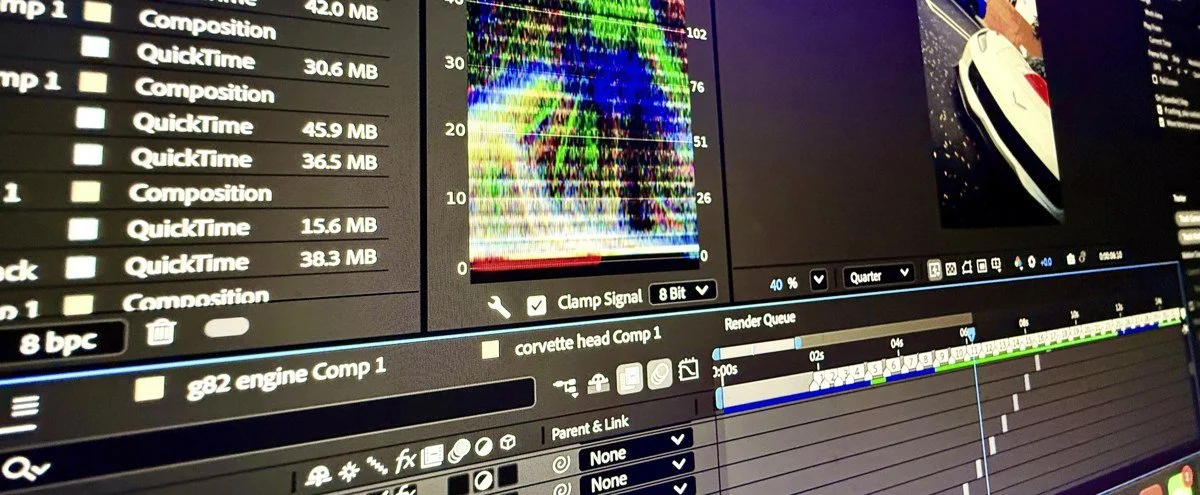
Follow the filming and After Effects workflow, from your first clips to transitions, sound, and the final color grade.
Your next edit
starts here.
Your membership keeps the full course and community chat available while you learn. Start for $4.99 per month, work at your own pace, and cancel through your account when you no longer need access.
A recurring monthly subscription. Adobe After Effects is not included.
Course + community membership
- 27 lessons across 3 chapters
- Filming and After Effects tutorials
- Speed ramps, transitions, sound, and color
- Access to the community chat
Billed monthly · Cancel anytime
A few things to know.
Is this for beginners?
The course includes 14 lessons on After Effects basics, including layout, importing, timelines, keyframes, and exporting, before moving into editing techniques.
What software do I need?
The editing lessons use Adobe After Effects. You’ll need your own access to the software and a compatible computer. The Adobe subscription is separate from this membership.
What does $4.99/month include?
Access to the 27-lesson filming and After Effects course, plus the community chat, while your membership is active.
Is this a one-time payment?
No. This is a recurring $4.99 monthly membership. You can cancel through your customer account. Review the subscription details during checkout.
Can I watch at my own pace?
Yes. The lessons are available online for you to revisit while your membership is active.
Make your next edit count.
Join Qadeer Editing Lab — $4.99/monthAlready a member? Use Login in the site menu.